Themes
Theme mods are mods that alter the interface elements and sound files of the game, usually to resemble another game or to personalise your appearance.
settings.xml
Each theme uses settings.xml to determine various functionality aspects of the theme, such as what HUD layout it should use, or what colour the special gauge is. A default settings.xml should look like this:
A settings.xml is REQUIRED for a theme mod, as it is how the game recognises custom themes. In most cases you can just copy the DX Default settings.xml, and edit relevant values. DX's own settings.xml is stored in:
Data/Themes/Settings.xml
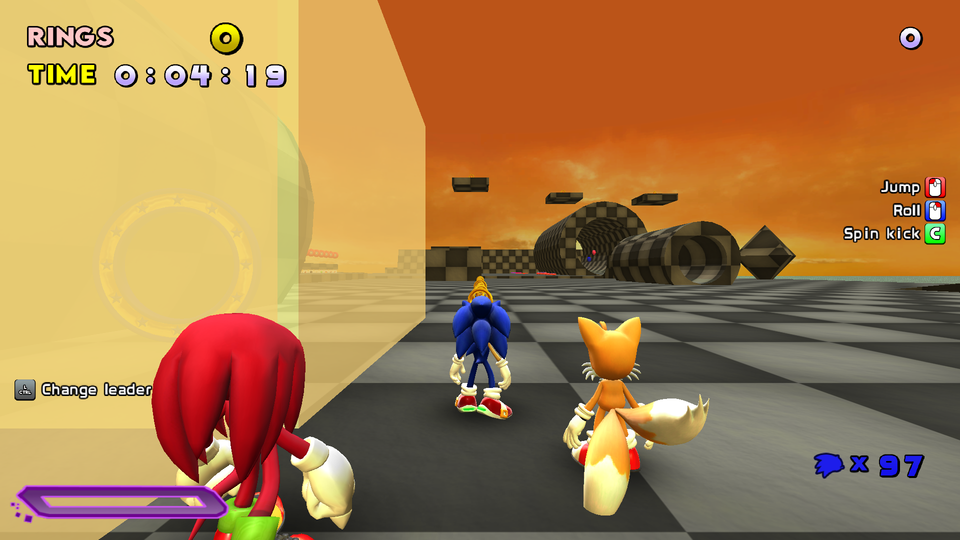
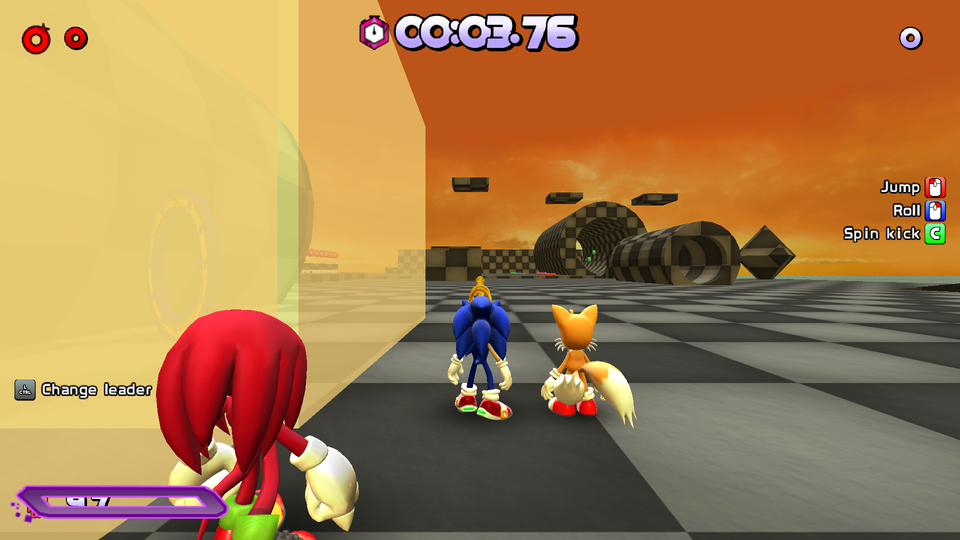
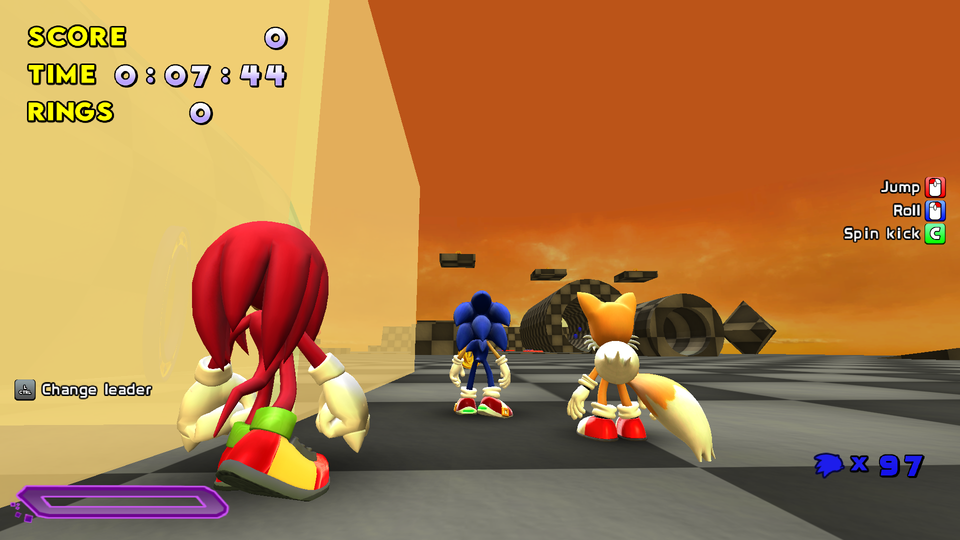
HUD Style
- Alters HUD placement in-game to closest match any of the following options:
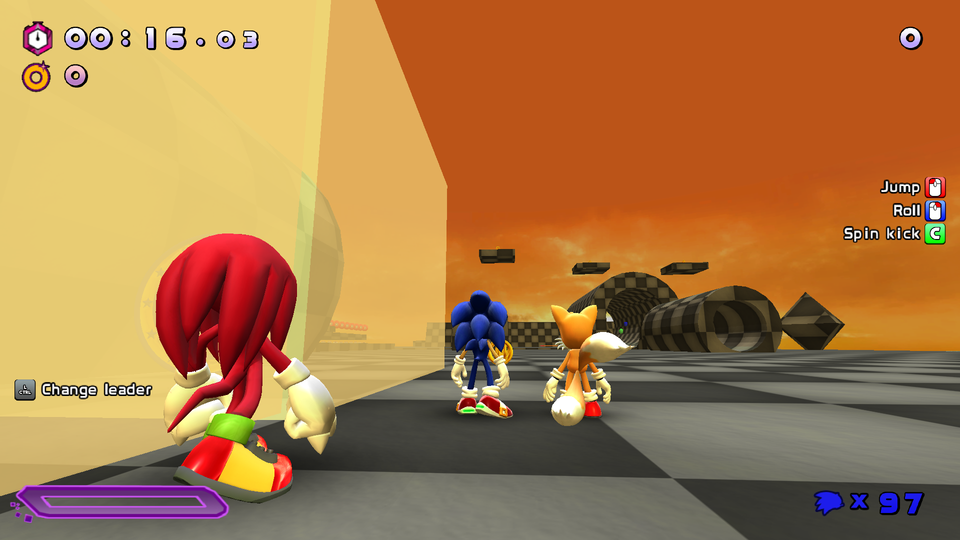
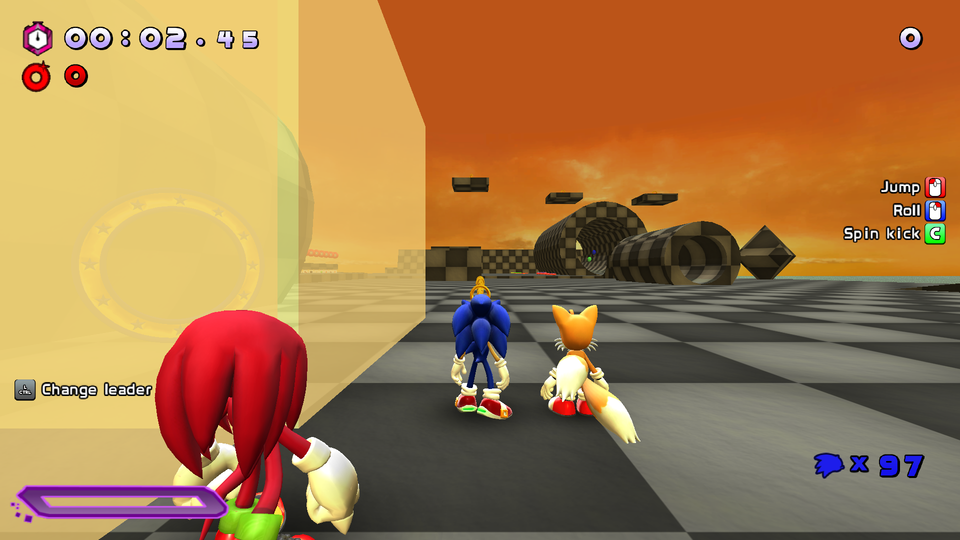
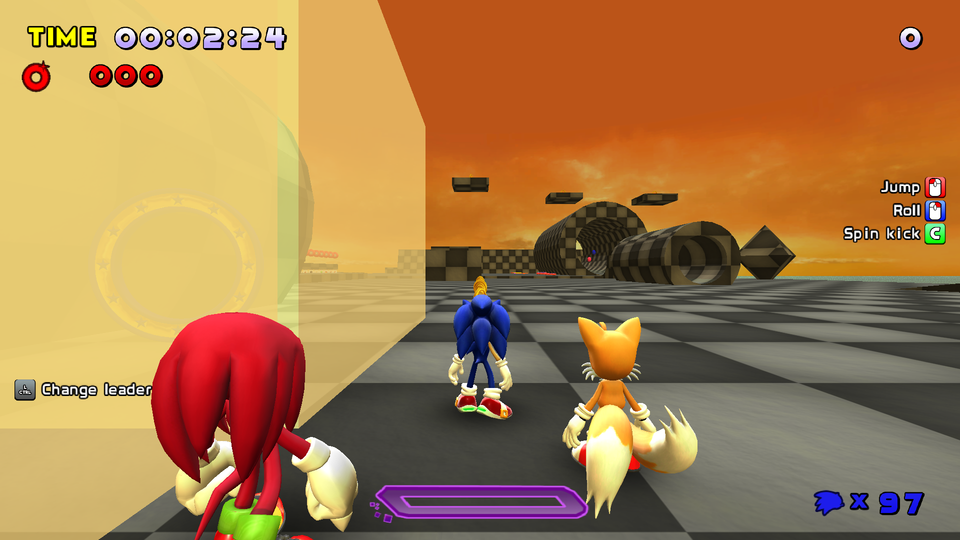
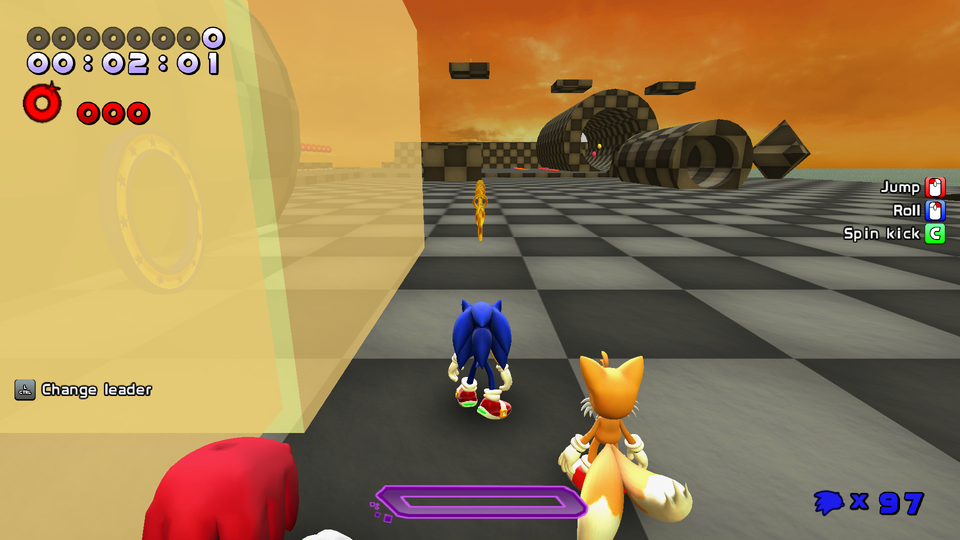
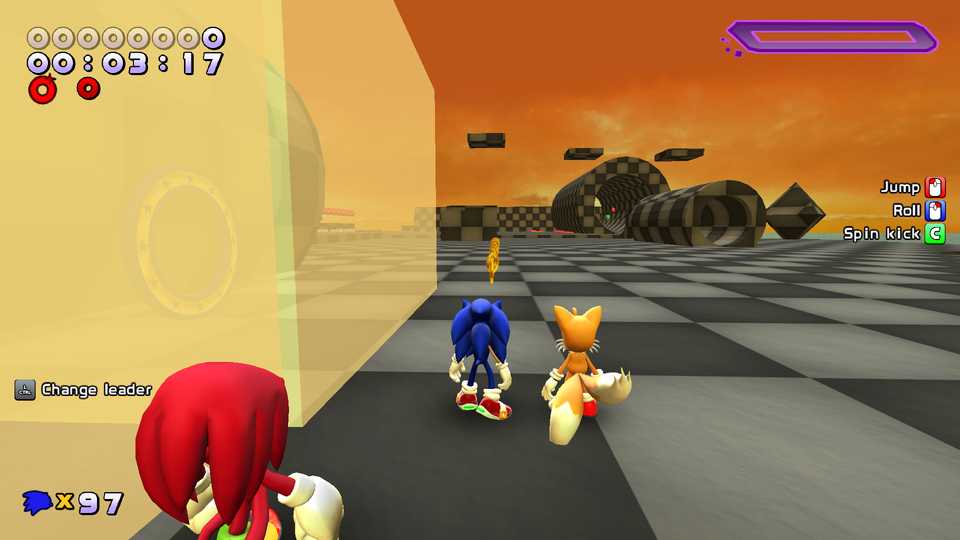
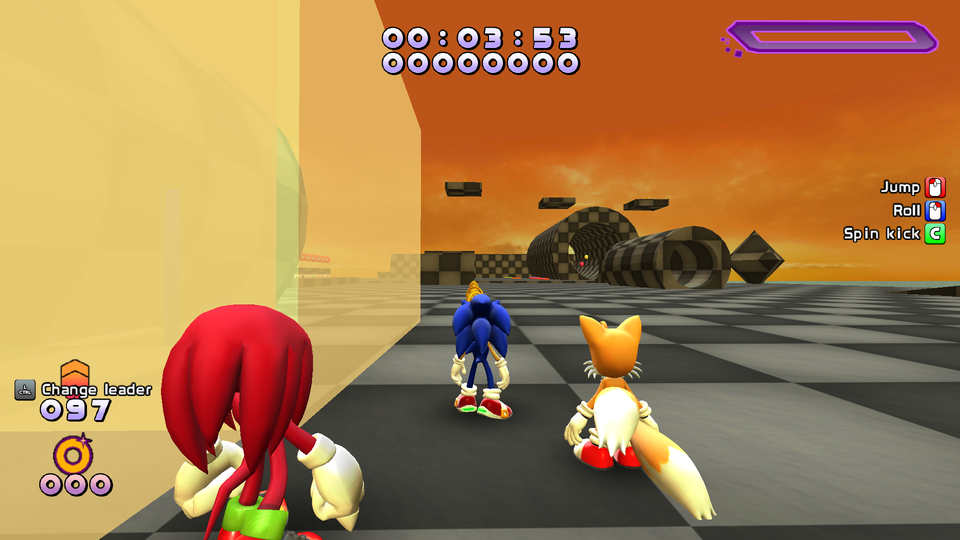
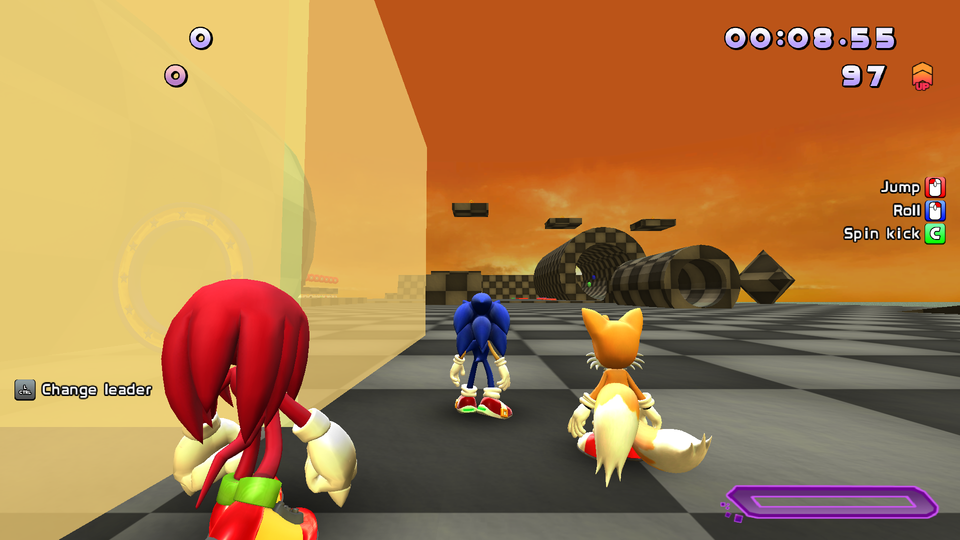
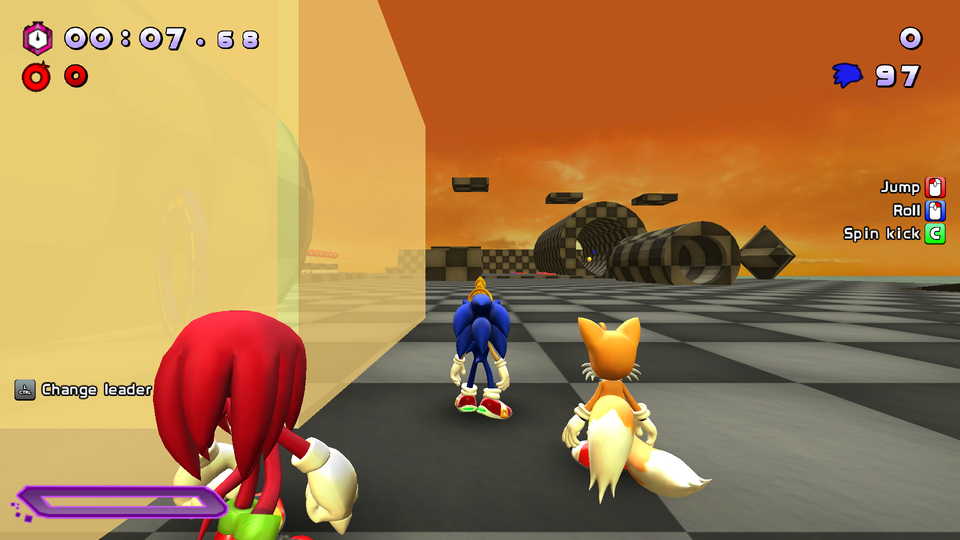
Heroes Spinner
- Set to 1 to enable separate spinners for each team member when playing in teams.
Round Transition
- Set to 1 to enable the round transitional image from heroes
Logo Style
- Set to 1 to enable the R8 logo fly-in animation
- (CURRENTLY NOT FUNCTIONAL)
Author
- Write down the creator of the theme here
Bubbles
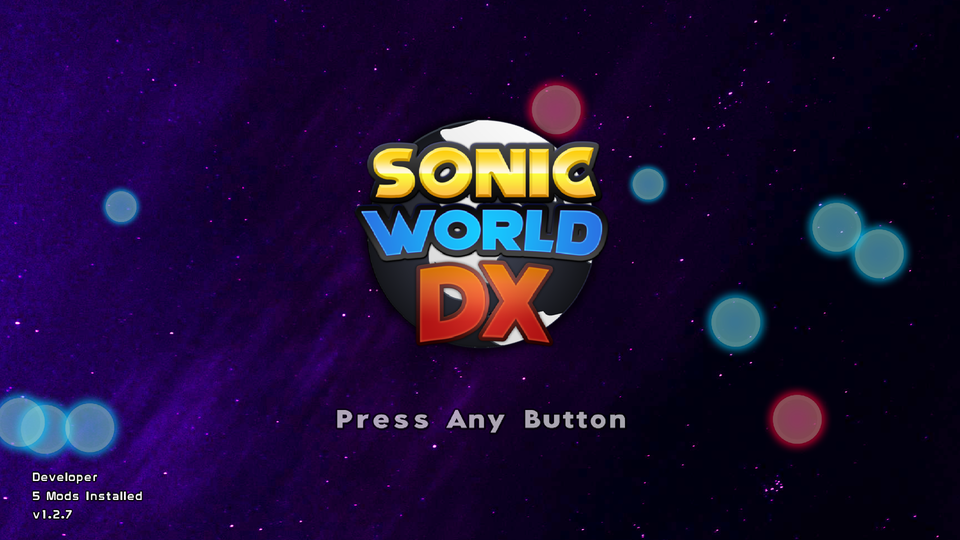
- This enables Bubbles on the title screen, like the Adventure 2 Theme
chanceis the frequency they will spawn.amountis the maximum allowed to be on-screen.speedis a multiplier on their movement speed.
Scrolling Background
- See SA2 theme for details
Gauge Colour
- Set the normal and full gauge colours
Sound Settings
- Pauses music on life gain or loop the spin sound
Background Resolution
- Sets the background resolution.
- Defaults at 1920 x 1080
- If porting a Pre-2022 theme, set this to 1440 x 900
Feel free to look at any base game theme’s settings xml and folder structure to figure out how they function. Remember in-game you can type themedata into the console to reload the theme’s settings without having to exit the game.
kerning.xml
Font Kerning
Most themes leave this file out, which uses the defaults shown above. If your custom text letters overlaps each other, you may need to alter these values. Most of the lines are kerning for all png files that begin with text, except for one:
HUD Kerning
- This determines the kerning of the numbers on HUD elements. If making the numbers smaller than the base game, lower this value.